DeskCapsule
Everything you reach for, at the top edge of the screen
DeskCapsule slides down on a keystroke and hands you what usually takes four separate programs: clipboard history, a screenshot gallery, notes and media control. Then it gets out of the way. It takes no taskbar space and is not one more window to manage.
Summoned with Win + Shift + Space
Click an entry to copy it.
What DeskCapsule does while the capsule is shut
Input and layout
Data collection
Ask the first question
A working mock-up of the interface rather than a picture: switch sections and press whatever you like. Real screenshots of the program are further down the page.
Eight capabilities that usually live in eight separate programs
Everything local works without a licence and without a network. The only paid parts are the three that are physically computed on a server.
Media
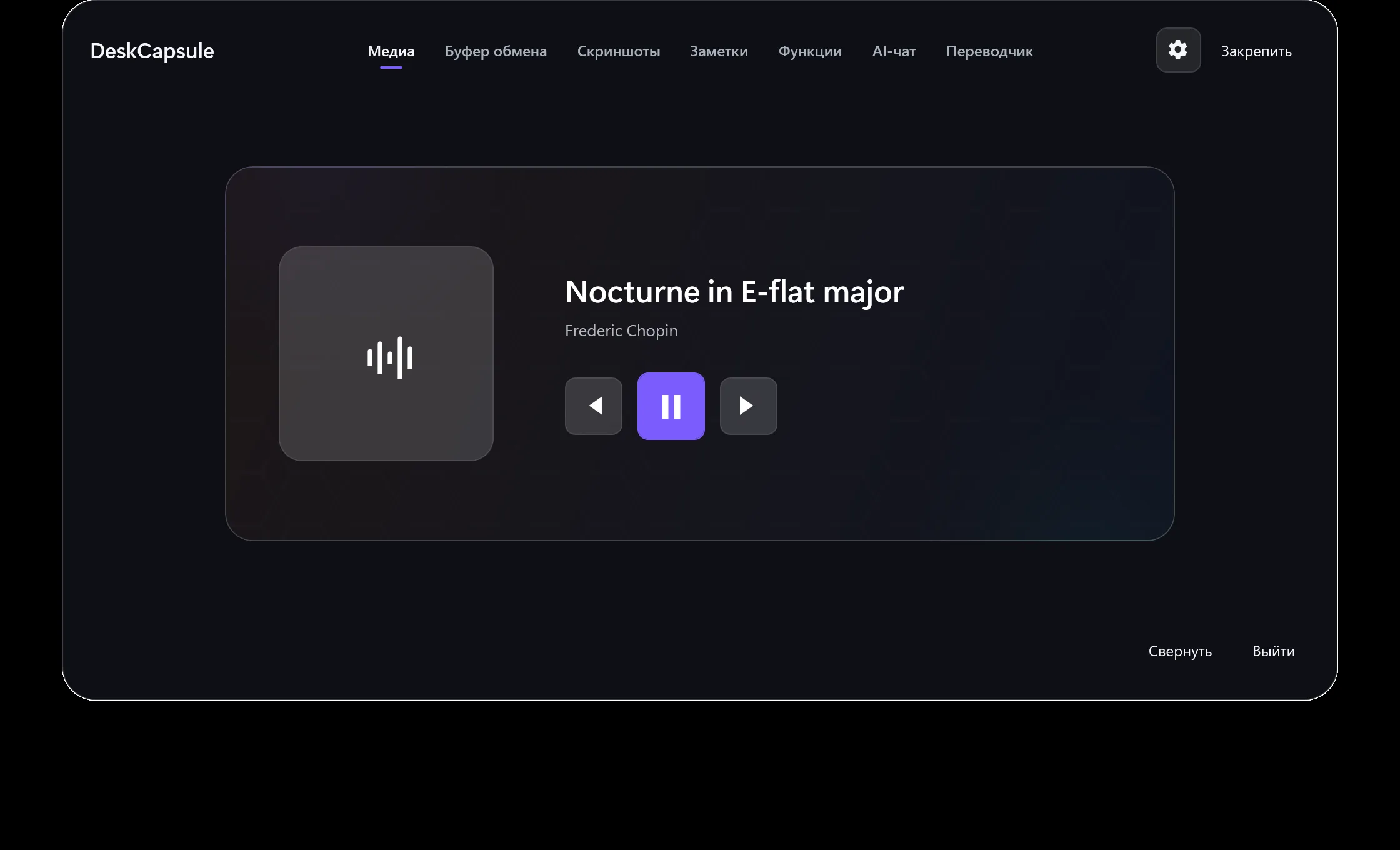
Control whatever Windows is playing: skip, pause, artwork.
Clipboard
Text and image history with search and pinning. 500 entries, 100 of them pinned.
Screenshots
Shots collect themselves into a gallery: the last 250, with previews and one-click copy.
Notes
Quick notes that save themselves, up to 500. Stored on this computer only.
Keyboard layout
Double Shift fixes mistyped text or switches RU/EN. Automatic correction skips passwords, links and code.
Voice input
Recognised on this computer once a Whisper model is installed, or in the cloud with a licence and nothing to download.
TranslatorPRO
Context-aware AI translation in 39 languages. A local RU/EN engine is in progress.
AI chatPRO
Short questions right inside the capsule. The conversation lives only in process memory.
Real screenshots of the program
Above is a working mock-up of the interface. Here is the program itself: these frames are drawn by a test harness from the shipping window, so they cannot show a control the build does not have.